


 Cart
Cart
 Get 20% off ordering today: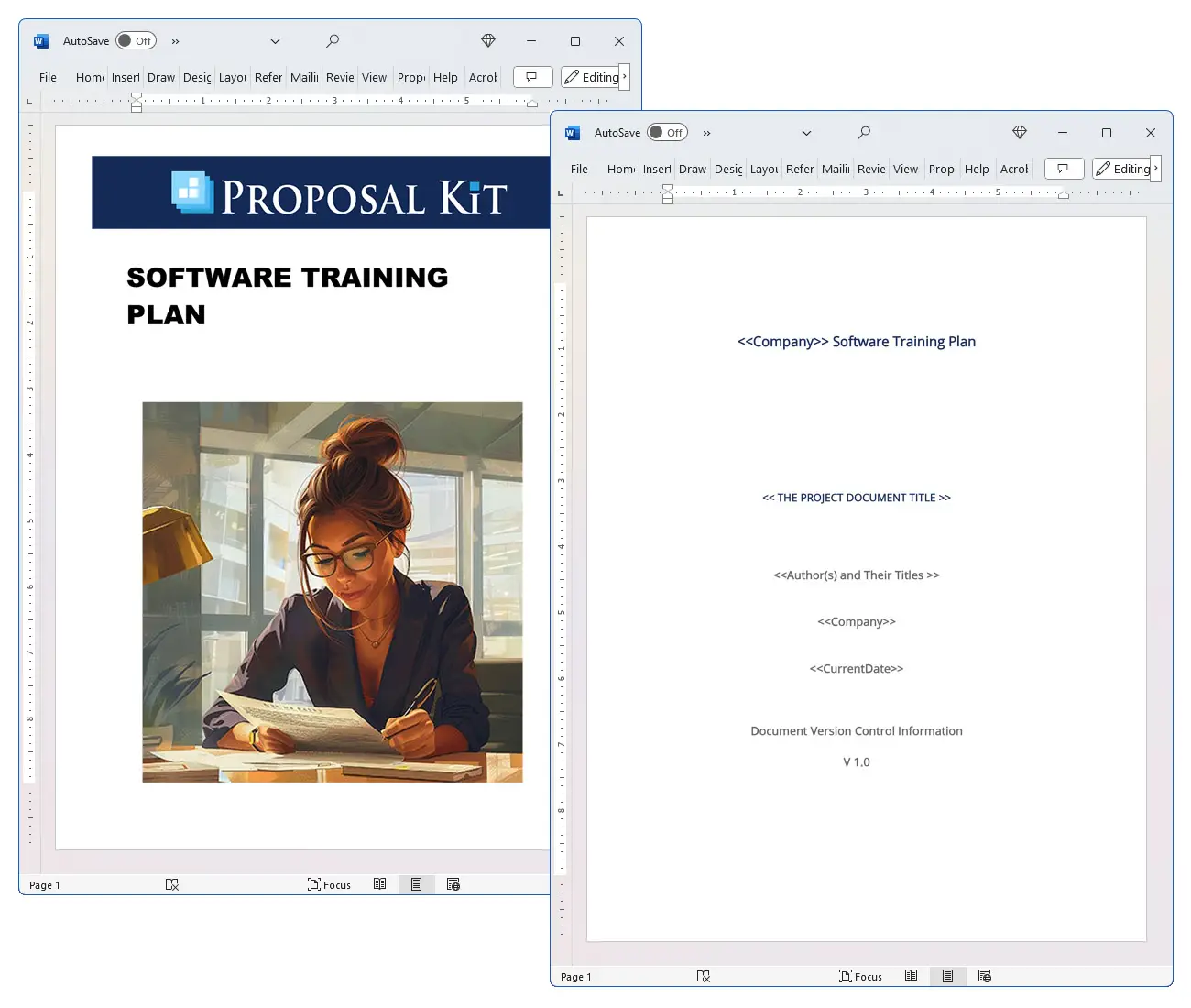

How to write your Software Training Plan
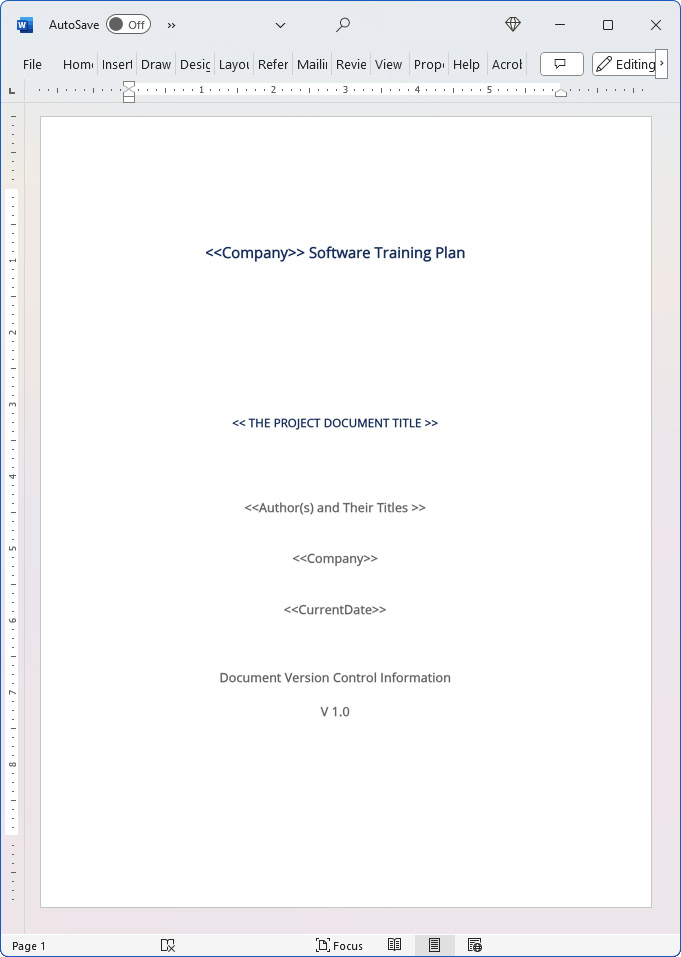
We include this 15 page template with IT/Software/Hardware Contract Pack and the Proposal Kit Professional. You will get more content and software automation for data merging, managing client documents, and creating proposals with line item quoting with a Contract Pack or the Professional.
 DOWNLOADABLE, ONE-TIME COST, NO SUBSCRIPTION FEES
 What Our Clients Say
My business has to be flexible because we not only create proposals for advertising contracts, but to secure events that we sell advertising for. I am especially happy with the willingness of the Proposal Kit Staff to assist me, they always go above and beyond the call of duty."
PSBLIVE
1. Get IT/Software/Hardware Contract Pack or the single template that includes this business contract document.
We include this contract in editable Word format that can be customized using your office software.
2. Download and install after ordering.
Once you have ordered and downloaded your template or pack, you will have all the content you need to get started.
3. Customize the contract template with your information.
You can customize the contract document as much as you need. If you get a Contract Pack or Professional Bundle, you can also use the included Wizard software to automate name/address data merging.
Use cases for this template
NimbusLedger's sprint to train customers and partners ahead of launch
The Challenge
As NimbusLedger, a SaaS accounting startup, neared its release schedule, Product Manager Lina Ortiz realized their strategic initiative to onboard 1,200 end users and 60 reseller advisors was at risk: training obstacles included shifting features from beta management, limited executive buy-in for the training budget, and no shared approach for instructor-led training, computer-based training, self-paced training, or virtual training across regions.
The Solution
They adopted the Software Training Plan contract to codify scope constraints, define learning paths and modules, and anchor key performance indicators to an OKR framework with objectives and key results covering adoption, time-to-proficiency, and case deflection to the service desk and help desk; Proposal Kit was then used to create supporting documents-a rollout proposal, ROI study, and service readiness report-using automated line-item quoting for training courses, interactive modules, virtual events, and support services, while the AI Writer produced student resources, OKR-aligned evaluations, and an assessing end-user needs brief.
The Implementation
Lina staged a pilot with usability testing and software design feedback loops, blended seminar-style Q&A with formal training labs, and scheduled an executive sponsor review to measure and monitor KPIs through the training timeframe; managers received a management training program and leadership development sessions, credentials were defined for advisor career paths, and tech support was staffed to backstop virtual sessions.
The Outcome
Onboarding accelerated, time-to-first-value dropped by 38%, tickets per active account declined, and leadership saw a clear return on investment; the scalable training program became a repeatable pattern for new features, and NimbusLedger even outlined how to monetize training for partners without disrupting company culture on learning.
Redwood Fabrication's plant-wide MES rollout under tight deadlines
The Challenge
At Redwood Fabrication, COO Marcus Grant faced a multi-plant rollout of a new MES with diverse roles, hardware constraints on the shop floor, and a workforce skeptical of change; training obstacles included shift-based availability, limited classrooms, and unclear KPIs, all while the release schedule demanded phased onboarding with zero production downtime.
The Solution
The Software Training Plan contract set formal training standards, differentiated instructor-led training, computer-based training kiosks, and self-paced training on tablets, and tied KPIs to objectives and key results covering scrap reduction and faster changeovers; Proposal Kit was used to write a change management playbook, a training budget proposal with automated line-item quoting for modules and support services, and leadership briefings, while the AI Writer drafted safety-focused student resources, role-based learning paths, and reports for executive buy-in.
The Implementation
Redwood executed seminar-style kickoffs, then hands-on cells with interactive modules and virtual events to connect remote plants, added a management training program for supervisors, and embedded usability testing at stations to inform software design tweaks; the plan mapped points of contact, equipment lists, and contingency coverage through the service desk, help desk, and tech support.
The Outcome
Redwood hit its training timeframe, reduced unplanned downtime by 22%, and improved quality KPIs; operators earned internal credentials linked to career paths, leadership reported strong return on investment, and the scalable training program became a template for future rollouts.
BlueHarbor Clinics raises adoption during an EHR upgrade
The Challenge
BlueHarbor Clinics, a regional healthcare network, had to upgrade its EHR under compliance pressure with strict hardware and security constraints, minimal clinician availability, and a complex release schedule; training obstacles ranged from content drift during late feature changes to uneven onboarding across satellite clinics.
The Solution
The Software Training Plan contract established clear goals for formal training by role-physicians, nurses, billing, and service desk-combining self-paced training micro-lessons, instructor-led training labs, and virtual training; Proposal Kit supported the effort with a compliance alignment report, a budget and resource plan using automated line-item quoting for training courses and virtual events, and a clinic onboarding guide, while the AI Writer generated learning paths, post-training surveys to measure and monitor KPIs, and a risk study aligned to the OKR framework.
The Implementation
They ran a beta management pilot in one clinic, collected usability testing feedback, and sequenced a phased rollout; student resources emphasized patient-safety scenarios, credentials for super-users, and leadership development for department heads to secure executive buy-in, with change requests managed alongside software design updates and robust tech support coverage.
The Outcome
Documentation time dropped, error rates fell, and help desk tickets normalized within two weeks; BlueHarbor met its training timeframe, proved return on investment, and established a scalable training program that strengthened company culture on learning and accelerated future strategic initiatives.
Abstract
This contract is a structured template for building a company-wide training plan for software. It defines purpose and scope, establishes goals, and clarifies the business context so teams can align end-user training with priorities. It catalogs references, documentation items, terminology, and points of contact to keep stakeholders coordinated across departments and vendors.
Implementation sections guide training methods and procedures, supporting instructor-led training, computer-based training, self-paced training, seminar-style sessions, and virtual training or virtual events. The plan calls for testing, retention checks, and evaluation so leaders can measure and monitor key performance indicators. It encourages linking KPIs to objectives and key results using an OKR framework, tying the training timeframe to a release schedule or product rollout. Budget owners can set a realistic training budget, secure executive buy-in, and appoint an executive sponsor to track return on investment.
Administrative guidance covers enrollment, classroom or online setups, equipment, and learning materials, plus record-keeping for credentials. It supports learning paths composed of modules and interactive modules, with student resources to serve diverse career paths. Follow-up training and formal training cycles are addressed, including a management training program and leadership development when appropriate.
The plan also accounts for support services such as a service desk, help desk, and tech support, along with hardware and environmental constraints. It contemplates usability testing, software design considerations, and beta management for pre-release training. Change requests and management procedures govern updates, and revision rules keep the document current. Risks, assumptions, and contingency plans help teams address training obstacles, resource limits, and staff availability, building a scalable training program that fits the company culture on learning and, if desired, can monetize training for partners.
Typical use cases include onboarding for SaaS software training, educating end users during a CRM rollout, preparing support teams for a ticketing system upgrade, or aligning analysts to a new analytics suite. The plan supports assessing end-user needs, defining training courses, and sequencing modules for specific roles.
Proposal Kit can streamline the creation of this training plan and related assets using document assembly, automated line-item quoting for training courses and modules, an AI Writer to build supporting documents, and an extensive template library. Its ease of use helps teams produce consistent, professional materials quickly.
Beyond the mechanics, this plan functions as a governance tool for an initiative. It creates a single source of truth so executives, product owners, and department leads can align scope constraints, training timeframe, and rollout expectations with the release schedule. By defining points of contact, materials, curriculum, and approval gates, the plan reduces ambiguity, accelerates onboarding, and helps the service desk and help desk prepare for ticket volumes after go-live.
It also connects training courses and learning paths to career paths and credentials, so leaders can forecast staffing, measure adoption, and quantify return on investment with practical KPIs such as time-to-proficiency and case deflection. Linking evaluation milestones to known issues, usability testing, and beta management ensures that software design feedback loops improve content iteratively, while change request procedures keep updates controlled. Clear appendices, references, and terminology support the company culture on learning and make the program scalable, even when assessing end-user needs across multiple regions or partners.
Using the Proposal Kit, teams can assemble this framework quickly with templates for objectives vs. mandates, performance testing, risk and assumption contingencies, revisions, and approvals. Automated line-item quoting helps estimate a training budget for modules, interactive modules, virtual training, and support services. The AI Writer can write role-based outlines, OKRs, and student resources, speeding delivery without sacrificing consistency.
A well-governed training plan also ties learning to business outcomes beyond adoption. Define leading and lagging KPIs that ladder to OKRs, such as feature use, error-rate reduction, case deflection, and time-to-first-value. Map these to phase gates in the release schedule so leaders can sequence onboarding waves, set blackout dates, and plan a controlled rollout.
Build pilot cohorts to surface training obstacles early, and use findings from usability testing to refine interactive modules and learning paths before broad deployment. Include accessibility and localization standards in student resources so self-paced training works across time zones and roles, and document hardware and environmental requirements to avoid surprises in virtual training.
Budget planning benefits from granular cost drivers. Estimate hours for instructor-led training versus computer-based training, account for self-paced learning time, and include support services ramp-up for the service desk, help desk, and tech support post go-live. Tie the training budget to expected return on investment by forecasting reduced rework, shorter ticket handle times, and faster credential attainment. Where relevant, outline how to monetize training for partners with formal training tiers, credentials, and career paths, while an executive sponsor sustains executive buy-in throughout the initiative.
Operational resilience matters. The contingency plan should cover staff absences, environment outages, and content defects, with train-the-trainer backups and clear points of contact. Align change request procedures with the software design and beta management cadence to keep materials accurate as features evolve.
Include post-training reinforcement such as short refreshers, scenario-based exercises, and follow-up evaluations to measure and monitor retention at 30-60-90 days. Clarify objectives versus mandates so departments can adapt timelines without losing control of scope constraints and the training timeframe.
Proposal Kit can accelerate this work by assembling a consistent framework, merging approved terminology and references into the plan, and generating aligned outlines for methods, performance testing, risks, and approvals. Automated line-item quoting helps scope modules and virtual events, while the AI Writer can write role-based student resources and OKR-aligned evaluation sections. The extensive template library and ease of use reduce effort and keep documents coherent across teams.
Writing the Software Training Plan document - The Narrative
Software Training Plan
1 Purpose of This Document (Objectives)
Insert the purpose of this document, its objectives, and its intended audience. Example: The purpose of this document is to formally recognize and codify the policies and procedures Company wishes to enact in order to organize the software training Company provides to employees and vendors. The goals and objectives listed in this plan are meant to allow the Company to achieve a consistent training experience. The Company provides its employees, staff and vendors this Software Training Plan as an overview of the required steps and policies to be enacted when developing or executing software training.
2 Scope of Document
Insert description of the scope of this Software Training Plan and explain whether this covers an entire application or a component thereof. Indicate whether this training plan shall be governed by or supersedes other policy documents that may already be in place concerning training or a specific process or procedure.
1 Scope Constraints
Insert constraints, such as schedules, costs, interactions, overview, or any other information relevant to the training desired.
3 Goals of This Plan
Insert an overview or brief description of the product, software, or other desired end result to be achieved by this Software Training Plan.
4 Business Context
Insert an overview of the business or organizations impacted by this Software Training Plan. Include the business or organization's critical components and reliance on specific vendors, services or other assets.
5 Goals Defined
The overall goal of the Software Training Plan is to provide an easy and accessible outline to enable Company Name staff or vendors to organize and execute acceptable training and education plans.
Additional goals include:
6 References and Reference Material
Insert a list of all reference documents and other materials related to the Software Training Plan.
References will often include, but are not limited to:
User guides or manuals. Third-party books or resources. Other company software training plan(s). Any other relevant document or resource.
7 Documentation Items
Insert references to documentation or contact lists, which may include but are not limited to:
Company critical software services list. Company critical software vendors list. Company commercial software support phone numbers and services. Company support logins or passwords.
Company software support or maintenance agreements and relevant contacts.
8 Terminology Used in This Software Training Plan
Insert references and delimitations for terminology used in this plan. Include all acronyms and abbreviations as well.
9 Points of Contact
Insert point of contact, contact method and all policies for coordination of such contacts. Contact Name Contact Phone Contact Email Area of Responsibility. Software Training Plan: Current System Summary.
1 Background and System Objectives
Include the purpose and business objective(s) of the current system.
2 Hardware Requirements and Constraints
Information concerning hardware required by this plan and whether there are constraints to be considered (e.g., browsers to be used, secure locations to access software, etc.
3 Known Issues
The following are limitations or known issues impacting the Software Training Plan:
Insert additional descriptions of the limitations or known issues here.
4 Documentation
The following documentation is available for the current system:
Insert additional descriptions or lists of the available documentation.
Implementation of the Plan
Insert the overall objectives for implementation of the Software Training Plan. Your Software Training Plan may contain several different approaches for certain types of training, such as individual, small group, large group, department, seminar, review, etc.
1 Training Methods and Procedures
Here you will describe the methods and procedures you wish your trainers to follow and to educate staff on. If methods and procedures from an existing system or Training Plan are to be included in this plan, you will want to describe these procedures in this section rather than simply reference them.
2 Testing, Training Retention and Evaluation
Describe the methods to be used for administering tests, quizzes or other methods for benchmarking the retaining of the training. Explain whether testing and evaluation are to be done after the completion of the initial training plan, after a set amount of time, or a combination thereof. Make sure to describe the goals that must be achieved in this section as well.
3 Software Training Plan Timelines and Schedules
Insert any timelines, milestones or date-sensitive deadlines that must be adhered to for this Software Training Plan.
4 Software Training Plan Objectives vs. Mandates
The objectives set forth in Sect. 1.5 should be considered the overall goals of the Software Training Plan. They may not always be exact mandates. Individual departmental policies and procedures or other Software Training Plans may outline additional instructions to be followed.
5 Software Training Plan Administration: Creating Outline(s)
Using an outline format, insert a description of the methods that the Company wishes to use for administering the Software Training Plan.
For example, you might write: The Company desires that all Software Training Plans include an outline for how the trainer is to handle the following:
Enrollment of students (Learning Management System (LMS)). Classroom environment to be utilized (conference room, lecture hall). Equipment required (visual aids, projectors, workstations). Learning materials required (books, manuals, etc.
Record-keeping requirements, certificates, tests, etc.
6 Software Training Plan Performance Testing
Insert the objectives and requirements for testing to ensure that the plan operates correctly in regard to normal operation, response and execution times, scalability, portability and all other performance requirements within the business environment.
7 Software Training Plan Administration: Follow-up Training
Insert any information pertaining to whether follow-up training is required and under what schedule it must be performed. If certifications are to be considered, then include information on how students are to make sure that they achieve and keep current their third-party certifications.
8 Software Training Plan Revisions and Alterations
Insert the objectives and requirements for how revisions and alterations are to be made to the Software Training Plan. Often new methods begin to be incorporated into established training programs without being represented within a company plan document. Insert a description of how/when this document must be updated when new methods are used. Software Training Plan: Materials.
In this section you will describe and define each of the materials that will be required for the Software Training Plan. This is a detailed accounting. You may attach additional exhibits to this section if your Software Training Plan requires them.
Software Training Plan Curriculum. Insert the specific descriptions of each section of the Software Training Plan curriculum. This is to be considered your syllabus for this Software Training Plan.
A syllabus may include, but is not limited to the following organizational structure:
General Notes
Software Training Plan Evaluation. A description of methodology concerning how evaluations of instructor(s), student(s) and course(s) are to be conducted post-training. Determine whether evaluations will be immediate or after a particular milestone or benchmark is reached (testing, certification, etc. Software Testing Plan Hardware and Environmental Requirements List.
A description of the hardware and environmental requirements for the Software Training Plan.
6 Specific Risks and Assumptions
Insert description here
Focus on restraints such as resource availability, time constraints, staff and developer availability, and all other resource dependencies or external factors that can influence the Software Training Plan.
1 Risk and Assumption Contingency Plan(s)
Insert a description of the contingency plan for each item listed above (e.g., a developer or support staff member is out sick on the day of training.
Change Request and Management
A description of the Software Training Plan change request and change management procedures. Describe the process that must be followed for submission, review and authorization for all requests for change to the Software Training Plan or for any change to any part of the deliverables.
Approval for Software Training Plan
A description of the personnel authorized to approve the Software Training Plan. Their names, titles and signatures must accompany this document.
Appendices
A description of all other supporting information required for the understanding and execution of the Software Training Plan and requirements.
All Software Training Plan documents require the following two appendices:
1 Definitions, Acronyms, Abbreviations
Definitions of important terms, abbreviations and acronyms. This may also include a Glossary of terms.
2 References
A listing of all citations to all documents and meetings referenced or used in the preparation of this Software Training Plan and testing requirements document.
20% Off Discount
 Add To Cart This Word Template Only
 Add To Cart IT/Software/Hardware Contract Pack
 Add To Cart Proposal Kit Professional Bundle
 4.7 stars, based on 850 reviews
How to Build a Legal Contract with Proposal Kit
This video illustrates how to create a legal contract using the Proposal Pack Wizard software. It also shows how to create a proposal with an invoice and contract at the same time.
Frequently Asked Questions
How do I customize this contract to fit my business needs?
Customizing this contract involves editing the document to include your business details, terms, and conditions. The templates are designed to be flexible, allowing you to insert your company's name, address, and other relevant information. You can modify clauses to reflect your unique business practices and legal requirements.
Is this contract compliant with laws and regulations?
The legal contract templates are written by legal professionals and designed to comply with current laws and regulations at the time of their writing. However, laws can vary by jurisdiction and change over time, so it's recommended to have your contract reviewed by a local attorney to ensure it meets all legal requirements specific to your region and industry. Templates are licensed as self-help information and not as legal advice.
Can I use the same contract for different clients or projects?
You can use the same contract for different clients or projects. The templates are versatile and easily adapted for various scenarios. You will need to update specific details such as client names, project descriptions, and any unique terms for each new agreement to ensure that each contract accurately reflects the particulars of the individual client or project.
What should I do if I encounter a clause or term I don't understand?
If you encounter a clause or term in the contract that you need help understanding, you can refer to guidance notes explaining each section's purpose and use. For more complex or unclear terms, it's advisable to consult with a legal professional who can explain the clause and help you determine if any modifications are necessary to suit your specific needs.
How do I ensure that the contract is legally binding and enforceable?
To ensure that the contract is legally binding and enforceable, follow these steps:
- Complete all relevant sections: Make sure all blanks are filled in with accurate information.
- Include all necessary terms and conditions: Ensure that all essential elements, such as payment terms, deliverables, timelines, and responsibilities, are clearly defined.
- Signatures: Both parties must sign the contract, and it is often recommended that the contract be witnessed or notarized, depending on the legal requirements in your jurisdiction.
- Consult a legal professional: Before finalizing the contract, have it reviewed by an attorney to ensure it complies with applicable laws and protects your interests.
 Published by Proposal Kit, Inc.
Disclaimers
Proposal Kit, Inc. makes no warranty and accepts no responsibility for the suitability of any materials to the licensee's business. Proposal Kit, Inc. assumes no responsibility or liability for errors or inaccuracies. Licensee accepts all responsibility for the results obtained. The information included is not legal advice. Names in use cases have been fictionalized. Your use of the contract template and any purchased packages constitutes acceptance and understanding of these disclaimers and terms and conditions.
 Facebook
 YouTube
 Bluesky
 Search Site