


 Cart
Cart
 Get 20% off ordering today: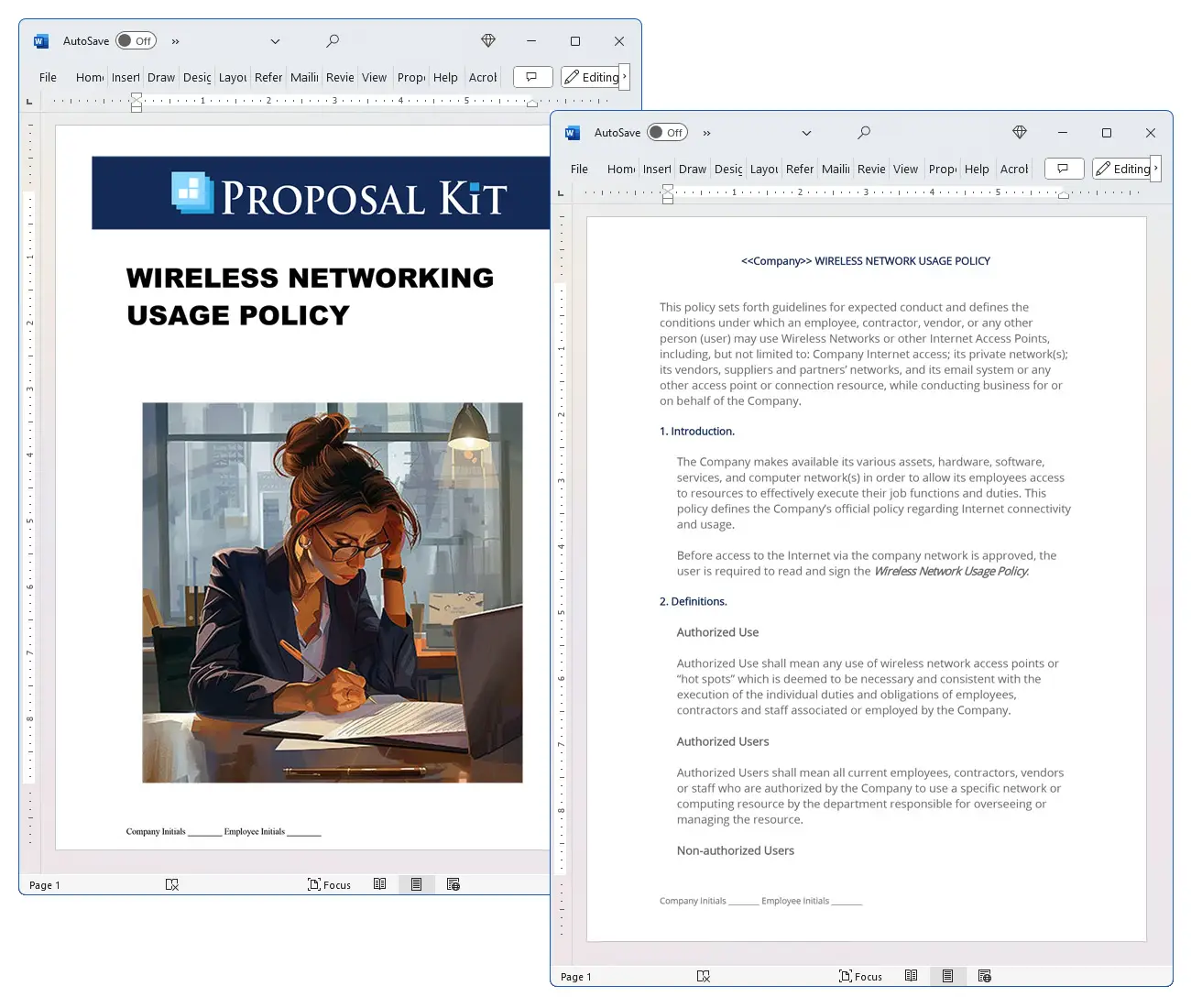

How to write your Wireless Networking Usage Policy
We include this 6 page template with Human Resources Contract Pack and the Proposal Kit Professional. You will get more content and software automation for data merging, managing client documents, and creating proposals with line item quoting with a Contract Pack or the Professional.
 DOWNLOADABLE, ONE-TIME COST, NO SUBSCRIPTION FEES
 What Our Clients Say
Time and time again the most minor of overlooked clauses have saved our collectives asses when things turn rough with a particular client. Proposal Kit IS the reason we are still in business; a PROFITABLE BUSINESS after all these years."
Florentine Design Group
1. Get Human Resources Contract Pack or the single template that includes this business contract document.
We include this contract in editable Word format that can be customized using your office software.
2. Download and install after ordering.
Once you have ordered and downloaded your template or pack, you will have all the content you need to get started.
3. Customize the contract template with your information.
You can customize the contract document as much as you need. If you get a Contract Pack or Professional Bundle, you can also use the included Wizard software to automate name/address data merging.
Use cases for this template
Securing wifi for a Fintech Move-In at CinderBank
The Challenge
When CinderBank leased space in a busy co-working hub, employees began connecting from public hotspots while onboarding contractors, and leadership worried about untrusted access, rogue access points appearing on the floor, and auditors asking for temporary guest access that still preserved VPN-only entry to internal systems.
The Solution
The team adopted a Wireless Network Usage Policy that required WPA2-Enterprise, device encryption, complex credentials, VPN for any internal access, and the authority to disconnect any user who violated terms, while Proposal Kit was used not to write the contract itself but to create supporting documents like a BYOD compliance checklist, a wireless operations guide, and a brief for executives clarifying user expectations and service expectations.
The Implementation
IT segmented SSIDs for "Cinder-Secure" and "Cinder-Guest," defined DHCP scopes with NAT isolation, planned frequency use across 5GHz and 6GHz to reduce interference, enabled rogue AP detection, and pushed automatic updates on mobile devices; with Proposal Kit's document assembly they packaged the policy with an onboarding plan, and used the AI Writer to draft a training agenda and an incident response overview, plus automated line-item quoting to budget additional access points and RF surveys.
The Outcome
Within two weeks, contractors were compliant, auditors used the guest network without reaching sensitive systems, help desk tickets dropped as the quick-start guide clarified expectations, and CinderBank could show leadership a clear revision history and cost breakdown for scaling coverage.
Northbridge College's Conference wifi Without Compromise
The Challenge
Northbridge College's ITS planned a weeklong academic conference where thousands of visitors needed temporary guest access without affecting faculty, staff, and students on the campus network, and organizers demanded clarity on availability, not guaranteed, and service level, not guaranteed, disclaimers to prevent unrealistic demands.
The Solution
IT enforced the policy by keeping Eduroam for roaming scholars, "NC-Secure" for the community, and a time-limited guest network for attendees, while using Proposal Kit to build supporting materials: a conference network plan, signage text, a user expectations handout, and a data handling notice; the AI Writer produced a post-event survey and a lessons-learned report, and line-item quoted priced short-term AP rentals and added support hours.
The Implementation
Engineers set WPA2 encryption on guest SSIDs, reserved NAT-only Internet with strict content filters, tuned channels on 2.4 GHz and 5GHz to avoid radio frequency interference in crowded halls, and documented an approvals path to restrict or remove access if abuse occurred; Proposal Kit's document assembly bundled the policy, procedures, and a revision history for the event packet.
The Outcome
Attendees connected smoothly, the campus wifi for the university community stayed performant, a few abusers were throttled without incident, and the debrief package showed metrics, costs, and recommendations that won budget for permanent upgrades in residence hall and lecture spaces.
Flatiron Freight's Pop-Up Warehouse Connectivity
The Challenge
Flatiron Freight opened a temporary warehouse to handle a seasonal surge, only to find barcode scanners dropping connections on 2.4 GHz and office staff trying to spin up a private access point in the break room that risked interference and policy violations.
The Solution
Leadership rolled out the Wireless Network Usage Policy across the site, declaring private access point prohibited, mandating that wired should be used for stationary computing devices, and designating a guest network for drivers; Proposal Kit supported the rollout by producing a site RF survey report, a floorplan-based SSID map, and a quick operations memo, with the AI Writer creating a technician shift checklist and a stakeholder brief, and line-item quoting estimating additional cabling, switches, and access points.
The Implementation
IT rebuilt the WLAN with 5GHz and 6GHz where devices supported it, set WPA2-Enterprise on "Flatiron-Secure," isolated "Flatiron-Guest" behind DHCP and NAT, enforced VPN for corporate apps, and posted a clear process to disconnect any user violating rules; Proposal Kit's document assembly delivered a tidy packet for supervisors that paired the policy with procedures and training material.
The Outcome
Scanner reliability jumped, office PCs moved to wired links, interference disappeared, and drivers still had Internet without touching internal systems, while management gained predictable costs, a documented scope, and faster onboarding for the next pop-up facility.
Abstract
This policy is a formal policy statement that defines the scope of wireless use across the organization. It applies to authorized users such as employees, contractors, and vendors, and governs mobile computing devices on public, private, and untrusted networks. Before any connection to company resources, users must read and acknowledge the policy.
The policy requires secure access to internal systems via VPN, device-level encryption, complex passwords and certificates, current anti-virus, firewall, spyware protection, and automatic updates. Users must complete training, safeguard confidential information, and use wireless only for business purposes. It lists unacceptable uses such as peer-to-peer sharing, excessive personal bandwidth consumption, installing unauthorized software, and accessing data outside one's job role. The company may log activity, examine information passed through its systems, and, when necessary, restrict or remove privileges and disconnect any user who violates requirements.
Organizations often add implementation information to operationalize these controls. Typical details include wireless standards and frequency use (802. 11 standards such as IEEE 802.
11ac, IEEE 802. 11ax, and IEEE 802. 11be across 2. 4 GHz, 5GHz, and 6GHz), the service set identifier (SSID) naming scheme, WPA2 encryption or better, and whether a pre-shared key or enterprise authentication is used. Network services commonly specify DHCP assignment, network address translation (NAT), and limits on radio frequency interference. Policies may declare a private access point prohibited to reduce rogue access point risks, and wired connections should be used for stationary computing devices. Service expectations and user expectations often state availability not guaranteed and service level not guaranteed for campus wifi or corporate wireless.
In a university community example, Information Technology Services (IT Services, ITS) may separate the campus network into a secure SSID for faculty, staff, and students, eduroam for roaming, a guest network for temporary guest access, and role-based access for alumni authorized guests. SSID names (for example, Purdue Air Link (PAL) in some institutions) illustrate how a campus network can segment department spaces, labs, and a residence hall. Notices may explain that administrators can intercept data on institutional systems, manage wifi location data logs, provide technical support within defined hours, and disconnect any user who threatens security.
Use cases include corporate offices onboarding vendors, remote staff using public hotspots, event venues granting temporary guest access, and departments deploying a private wireless network where a wired alternative recommended remains available.
Proposal Kit can help teams assemble this type of document quickly. Its template library and AI Writer support writing sections like scope, user expectations, implementation details, and revision history, plus creating related acknowledgments and procedures. Document assembly and automated line-item quoting streamline packaging the policy with supporting materials for easy adoption.
Beyond setting rules, this policy provides a governance backbone for managing risk, clarifying scope, and aligning user expectations with service expectations. It establishes that wireless use is a privilege tied to job duties, requires security controls at the device and network layers, and authorizes the organization to log, audit, restrict or remove access, and disconnect any user who creates risk. It also frames accountability: users must protect confidential data, use VPN on untrusted networks, and accept that the company may intercept data on its systems. Clear consequences and audit rights support compliance, incident response, and training enforcement.
Practical implementation information often rounds out the core policy statement. Administrators document SSID and service set identifier conventions, WPA2 encryption or higher, whether a pre-shared key or enterprise authentication is used, DHCP scope design, and network address translation (NAT) boundaries. To reduce radio frequency interference and rogue access point risks, many organizations declare private access points prohibited and specify frequency use across 2.
4 GHz, 5GHz, and 6GHz bands with 802.11 standards such as IEEE 802.11ac, IEEE 802.11ax, and IEEE 802.11be. A wired alternative recommended for stationary computing devices helps performance and security. A revision history records policy updates as technology and threats evolve. Availability and service level not guaranteed disclaimers, along with defined technical support channels, prevent misunderstandings.
This framework scales to various environments. Corporate offices onboard vendors with temporary guest access on a guest network while safeguarding the campus network. Universities segment campus wifi with eduroam for roaming faculty, staff, and students, a secure SSID for department spaces, access in a residence hall, and separate paths for authorized alumni guests.
Administrators may analyze wifi location data in aggregate to improve coverage while maintaining privacy commitments. In all cases, wired should be used where feasible, and private wireless network deployments must follow standards to avoid conflicts.
Use cases include field teams connecting through public hotspots, construction sites needing short-term access, pop-up retail with NAT-isolated SSIDs, healthcare clinics securing tablets, and events that spin up a guest SSID with defined user expectations and content filtering.
Proposal Kit can streamline creating, customizing, and maintaining this policy. Its document assembly and extensive template library help teams write scope, implementation details, user expectations, and revision history, while the AI Writer can build supporting documents like acknowledgments, BYOD addenda, and technical procedures. Automated line-item quoting can package budgets for access points, licensing, and support, helping stakeholders adopt the policy with clarity and ease.
A mature wireless use policy also defines how exceptions, onboarding, and offboarding work. Establish who approves access, how long temporary guest access lasts, and when IT Services (ITS) may revoke credentials. Clarify bring-your-own-device expectations, including proof of compliance before connection and recurring audits of serialized devices. State notice-of-monitoring practices, retention of logs, and how the organization minimizes and safeguards wifi location data while still enabling operations and threat hunting.
Technical design choices should be explicit. Document the SSID and service set identifier architecture for production, testing, and a guest network. Specify WPA2 encryption at a minimum, note when a pre-shared key is acceptable versus enterprise authentication, and define DHCP scopes and network address translation (NAT) boundaries.
Channel and frequency use planning across 2.4 GHz, 5GHz, and 6GHz bands reduces radio frequency interference and improves capacity; align with 802.11 standards such as IEEE 802.11ac, IEEE 802.11ax, and IEEE 802.11be. Include rogue access point detection and a private access point prohibited rule, with an exceptions path for supervised labs. For fixed workstations, state that wired should be used and a wired alternative recommended for stationary computing devices. Segment department spaces and any residence hall or public areas from sensitive systems, and reserve the authority to disconnect any user who creates risk.
Service discipline matters. Set user expectations and service expectations, including maintenance windows, the fact that availability is not guaranteed, and service level is not guaranteed, and where to seek technical support. In higher education, Information Technology Services may segment a campus network for faculty, staff, and students, offer eduroam for roaming, maintain a branded SSID (e.g., a Purdue Air Link PAL style), and allow alumni authorized guests on an isolated path. Make clear when administrators may intercept data on institutional systems and how SSID changes are communicated. A visible revision history records updates as threats and standards evolve.
Additional use cases include merger integration of vendor devices, pop-up healthcare clinics, construction sites, conferences spinning up temporary guest access, and retail events that isolate payments on NAT-backed SSIDs.
Proposal Kit helps teams operationalize all of this. Use its document assembly and template library to write scope, implementation information, user expectations, and a revision history. The AI Writer can generate supporting pieces such as acknowledgments, training agendas, and rogue access point response checklists. Automated line-item quoting can outline budgets for access points, RF surveys, and support, easing stakeholder review and adoption.
Writing the Wireless Networking Usage Policy document - The Narrative
WIRELESS NETWORK USAGE POLICY
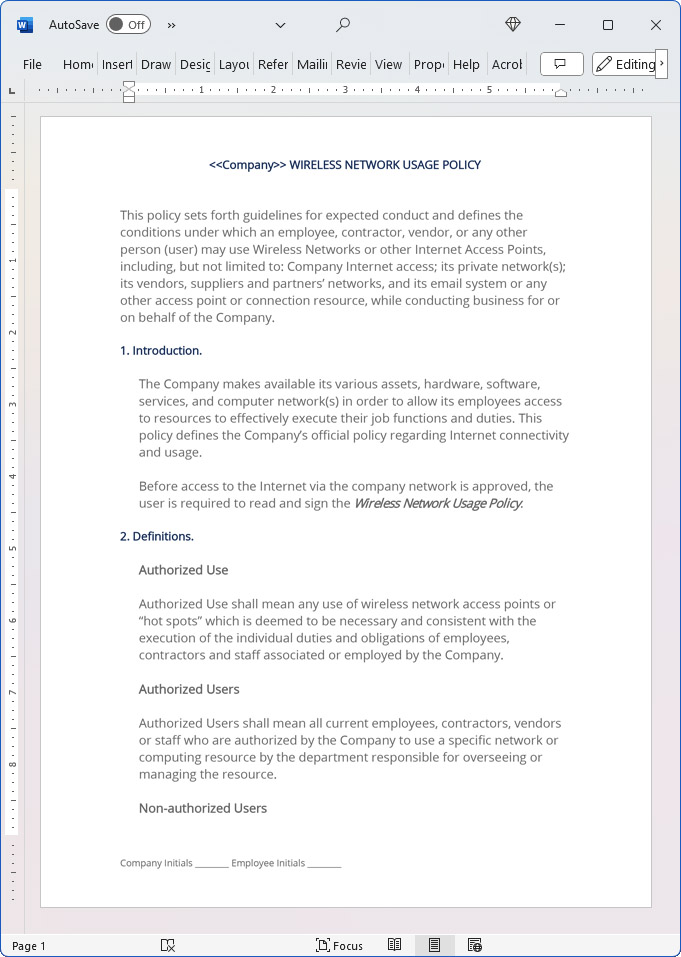
This policy sets forth guidelines for expected conduct and defines the conditions under which an employee, contractor, vendor, or any other person (user) may use Wireless Networks or other Internet Access Points, including, but not limited to: Company Internet access; its private network(s); its vendors, suppliers and partners' networks, and its email system or any other access point or connection resource, while conducting business for or on behalf of the Company.
Introduction
The Company makes available its various assets, hardware, software, services, and computer network(s) in order to allow its employees access to resources to effectively execute their job functions and duties. This policy defines the Company's official policy regarding Internet connectivity and usage. Before access to the Internet via the company network is approved, the user is required to read and sign the Wireless Network Usage Policy.
Definitions
Authorized Use
Authorized Use shall mean any use of wireless network access points or "hot spots" which is deemed to be necessary and consistent with the execution of the individual duties and obligations of employees, contractors and staff associated or employed by the Company.
Authorized Users
Authorized Users shall mean all current employees, contractors, vendors or staff who are authorized by the Company to use a specific network or computing resource by the department responsible for overseeing or managing the resource.
Non-authorized Users
Non-authorized Users shall mean anyone, including but not limited to employees, contractors, vendors, staff or anyone else who are NOT authorized by the Company to use a specific network or computing resource by the department responsible for overseeing or managing the resource.
Mobile Computing Equipment or Devices
Mobile Computing Equipment or Devices shall mean any handheld, PDA, cell phone or other computing or communication device which is not physically connected to a Company network environment.
Public Wireless Networks
Public Wireless Networks or Internet Hotspots shall mean any device, appliance or broadcast which offers access to the Internet.
Untrusted Wireless Networks
Untrusted Wireless Networks shall mean an insecure Public or Private Wireless Network or Internet Hotspot which offers access to the Internet and which does not employ SSL or secure encryption.
Company-Wide Standards
Use of mobile computing devices by Company employees and contractors shall be governed by the Company Internet Access and Asset Usage Policy as well as this Company Wireless Network Usage Policy. Copies of all Company policies may be obtained from the Company Human Resources Department. Users are expected to use mobile computing equipment responsibly and professionally, and shall make no intentional use of the equipment or internet services in an illegal, malicious, or obscene manner.
The following rules shall apply to all use of Wireless Networks by mobile computing devices:
Access to internal Company network resources or internal systems from public wireless networks must be obtained using secure encrypted connections and secured at the device level through a virtual private network (VPN) session and connection. Employees may make personal use of the Internet, subject to the Company Acceptable Use Policy (see below) so long as there is no negative security impact or impact on the performance of the employee's obligations and duties that creates an unreasonable cost to the Company. Sending or receiving personal email shall be allowed, so long as any email that is sent using a Company email account has the authorized company disclaimer at the bottom of the email stating that the contents of this message may not represent the views of the Company.
Use of any company mobile computing equipment or accessing a company network resource or Internet access point implies an agreement to abide by all Company policies and procedures in existence governing such use. Use of any company mobile computing equipment must be secured in accordance with the security standards set forth in the Company Network Access and Security Policy. Mobile computing devices or wireless access may not be used for commercial or other activities from which they directly or indirectly personally profit or have profit motive. All mobile computing devices must have the Company-required Applications and Security Software installed prior to accessing Company resources or Networks.
Employees must have the Company IT Department review and certify that all mobile computing devices meet the Company Network Security Policy prior to their use. All mobile computing devices shall make use of access control systems and encryption. All mobile computing devices and software running on mobile computing devices must use complex passwords and secure digital certificates for remote access. All mobile computing devices must be configured to require a hardware / BIOS password upon start-up which must be changed every 3 months.
All mobile computing devices shall make use of self-updating or software that automatically updates itself to ensure that the devices comply with the Company Network Security Policy. All mobile computing devices, whether owned by the employee or not, shall be subject to on-demand audits by the IT Department or Managers to ensure compliance with the Company Network Security Policy. All mobile computing devices provided to employees and contractors must be serialized and recorded into Company Inventory.
This includes all mobile computing devices purchased by employees or contractors that they are later reimbursed for.
All mobile computing devices that connect to an untrusted network must meet the following minimum security and safety standards, including:
The most recent versions of Company-approved anti-virus and firewall applications must be installed. The most recent versions of spyware and malware applications must be installed. All digital certificates used must be current and non-expired. All logins and access must be conducted over SSL/HTTPS.
Active intrusion detection and countermeasures must be in place. Internet and network activity monitoring and reporting must be active and enabled.
Training and Education
Employees who will use mobile computing devices and wireless Internet access may be required to participate in network security awareness training in order to educate themselves on the specific dangers and risks that may accompany access to public wireless Internet access points. The goal of such training is to equip our employees with the knowledge and tools they need in order to comply with Company policies concerning data and network security while traveling outside of the Company office. Department managers shall document and retain evidence of training provided to each user.
Sensitive and Confidential Information
Every employee, contractor or staff member has the obligation to protect sensitive and confidential information. All mobile computing users who make use of wireless networks must use VPN encryption protocols when sending or transmitting sensitive or confidential information in any form. No employee, contractor or staff member should ever access an internal company network resource without being secured by VPN encryption protocols, as all Company internal networks, network resources or other internal assets shall be deemed sensitive and confidential information.
Definition(s) of Unacceptable Use of Wireless Networks.
Unacceptable use shall be defined as, but not limited to the following examples:
Using the Internet for personal commercial purposes. Sending bulk, unsolicited email (Spam). Engaging in file sharing or Peer-to-Peer Networking (P2P).
Accessing Social or Professional Networking Sites (MySpace.com, Facebook.com, etc.), Blogging Platforms (Blogger, Blogspot, etc) or other sites that are non-essential to the performance of your job duties and obligations. Disseminating any confidential information about the Company or its customers. Downloading or using excessive amounts of internal Company bandwidth or external Internet resources (i.e., paid-Internet access billed to the Company or reimbursed in some way to employee, contractor or staff member) for non-essential, non-work-related activities. Downloading Shareware or Freeware programs or software that have not been authorized while on a wireless network.
Installing ANY software on a Company computer or other asset without prior approval from a manager or supervisor while on a wireless network. Compromising the security of the Company network, company computers, or any other company resource by engaging in unacceptable usage of the Internet. Knowingly causing someone to view content that may be deemed as obscene, immoral, or illegal, or that may cause the Company to be held liable for discrimination or obscenity. Knowingly causing a disruption or interference with any network or user, whether associated with the Company or not.
Searching for, requesting, acquiring, storing, or disseminating images, text, or data that are pornographic (whether legal or not) or that negatively depict race, religion, sex, age or creed. Conducting third-party business or a personal business enterprise not benefiting the Company, participating in political or religious activity, engaging in illegal or fraudulent activities, or knowingly disseminating false or otherwise libelous materials. Engaging in online gaming or gambling while on a wireless network.
Accessing any Company resource or asset that is not within the scope of the user's normal work and job functions. Examples include but are not limited to: customer information, personnel files and data, or any other documents not required for the proper execution of the user's normal job functions or duties. Any other illegal purpose, whether listed here or not, whether through a wireless network or not, that would encourage or conduct criminal activity, offense, exposure to civil liability, or otherwise violate any regulations, local, state, national, or international law, including without limitations, US export control laws and regulations.
Consequences of Violations
Violations of the Wireless Network Usage Policy are logged and documented. Violations may lead to a revocation of the employee's Internet access privileges and/or may lead to disciplinary action, including termination. The Company also reserves the right to pursue legal remedy for damages incurred as a result of an employee's violation.
Certain illegal activities will require that Company immediately notify or comply with the proper authorities upon discovery. The Company reserves the right to examine any user's Email Account(s), Web Logs, Chat Logs or any other information passed through Company resources or Network or stored on Company computers, at any time and without prior notice.
Inappropriate Use of Resources
Inappropriate use of resources shall be defined as engaging in any activities by users that are inconsistent with the business needs and goals of the Company. Engaging in any activity that adversely affects the user's productivity will not be tolerated. When you access the Internet for business purposes, you are representing the Company with each site or activity you engage in.
Special attention must be paid to such activities that do not directly contribute to the fulfillment of the employee's job description or duties.
Responsibility for Online Activities
Users are responsible for their online activities. Each employee must indemnify the Company from all claims of loss, whether direct or indirect, and from any consequential losses suffered by the Company due to a breach of the Company Wireless Network Usage Policy. Company is not responsible for users who display, store, or otherwise transmit any personal information such as passwords, banking information, credit card numbers, social security or tax ID numbers, or make use of Internet "passports" or "wallets. Company shall not be held liable for damages resulting from any loss of such information, abuse by other parties, or any consequential loss of personal property or injury resulting from the storage or loss of such information.
The practices described in this Wireless Network Usage Policy are current as of Current Date. Company reserves the right to modify or amend this policy at any time. Appropriate notice will be given to all employees, contractors, vendors, or other users of Company resources governed under this Agreement concerning such amendments.
I hereby declare that I have read and fully understand my duties and obligations set forth in the above Wireless Network Usage Policy for Company Name, and I will uphold these duties and obligations at all times.
20% Off Discount
 Add To Cart This Word Template Only
 Add To Cart Human Resources Contract Pack
 Add To Cart Proposal Kit Professional Bundle
 4.7 stars, based on 850 reviews
Related Documents
How to Build a Legal Contract with Proposal Kit
This video illustrates how to create a legal contract using the Proposal Pack Wizard software. It also shows how to create a proposal with an invoice and contract at the same time.
Frequently Asked Questions
How do I customize this contract to fit my business needs?
Customizing this contract involves editing the document to include your business details, terms, and conditions. The templates are designed to be flexible, allowing you to insert your company's name, address, and other relevant information. You can modify clauses to reflect your unique business practices and legal requirements.
Is this contract compliant with laws and regulations?
The legal contract templates are written by legal professionals and designed to comply with current laws and regulations at the time of their writing. However, laws can vary by jurisdiction and change over time, so it's recommended to have your contract reviewed by a local attorney to ensure it meets all legal requirements specific to your region and industry. Templates are licensed as self-help information and not as legal advice.
Can I use the same contract for different clients or projects?
You can use the same contract for different clients or projects. The templates are versatile and easily adapted for various scenarios. You will need to update specific details such as client names, project descriptions, and any unique terms for each new agreement to ensure that each contract accurately reflects the particulars of the individual client or project.
What should I do if I encounter a clause or term I don't understand?
If you encounter a clause or term in the contract that you need help understanding, you can refer to guidance notes explaining each section's purpose and use. For more complex or unclear terms, it's advisable to consult with a legal professional who can explain the clause and help you determine if any modifications are necessary to suit your specific needs.
How do I ensure that the contract is legally binding and enforceable?
To ensure that the contract is legally binding and enforceable, follow these steps:
- Complete all relevant sections: Make sure all blanks are filled in with accurate information.
- Include all necessary terms and conditions: Ensure that all essential elements, such as payment terms, deliverables, timelines, and responsibilities, are clearly defined.
- Signatures: Both parties must sign the contract, and it is often recommended that the contract be witnessed or notarized, depending on the legal requirements in your jurisdiction.
- Consult a legal professional: Before finalizing the contract, have it reviewed by an attorney to ensure it complies with applicable laws and protects your interests.
 Published by Proposal Kit, Inc.
Disclaimers
Proposal Kit, Inc. makes no warranty and accepts no responsibility for the suitability of any materials to the licensee's business. Proposal Kit, Inc. assumes no responsibility or liability for errors or inaccuracies. Licensee accepts all responsibility for the results obtained. The information included is not legal advice. Names in use cases have been fictionalized. Your use of the contract template and any purchased packages constitutes acceptance and understanding of these disclaimers and terms and conditions.
 Facebook
 YouTube
 Bluesky
 Search Site