


 Cart
Cart
 Get 20% off ordering today: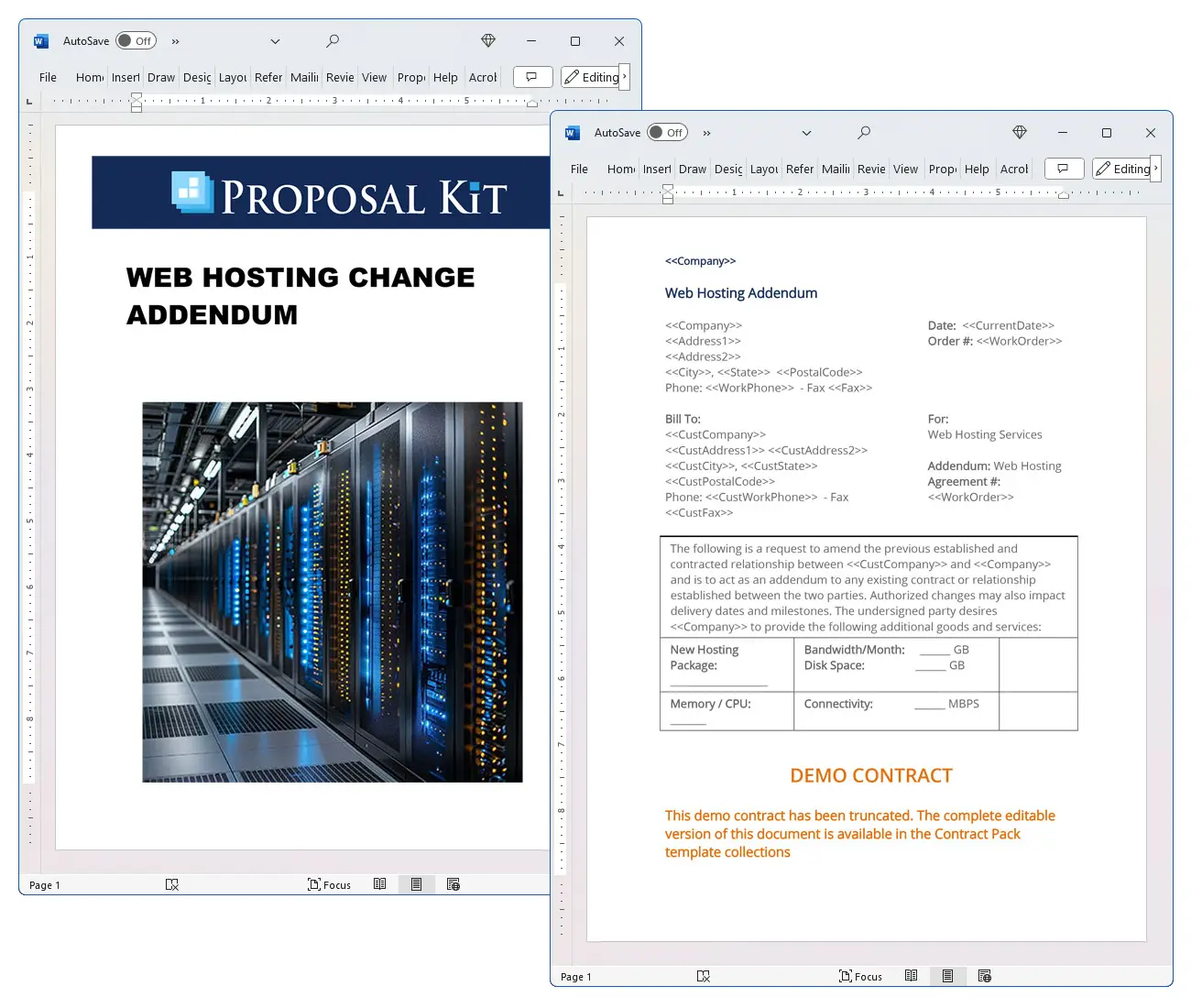

How to write your Web Hosting Change Addendum
We include this 1 page template with IT/Software/Hardware Contract Pack and the Proposal Kit Professional. You will get more content and software automation for data merging, managing client documents, and creating proposals with line item quoting with a Contract Pack or the Professional.
 DOWNLOADABLE, ONE-TIME COST, NO SUBSCRIPTION FEES
 What Our Clients Say
Your contract templates are the very best that I have found."
1. Get IT/Software/Hardware Contract Pack or the single template that includes this business contract document.
We include this contract in editable Word format that can be customized using your office software.
2. Download and install after ordering.
Once you have ordered and downloaded your template or pack, you will have all the content you need to get started.
3. Customize the contract template with your information.
You can customize the contract document as much as you need. If you get a Contract Pack or Professional Bundle, you can also use the included Wizard software to automate name/address data merging.
Use cases for this template
Helios Commerce upgrades hosting during a high-stakes launch weekend
The Challenge
Helios Commerce, led by CTO Ava Moreno, faced a product launch surge and needed an immediate hosting upgrade without interrupting email or analytics; the old site had to stay live while the new environment came online, DNS changes at the domain registrar had to propagate quickly, and third-party apps like Google Tag Manager, Segment, and Intercom Messenger needed to keep streaming data to monitoring tools.
The Solution
The team executed a hosting addendum authorizing more bandwidth, CPU, and databases, then planned a DNS changeover: reduce TTL, verify nameservers and NS records, point the A record to the new IP address, and keep MX records unchanged because email is controlled by MX records; they staged the site behind a proxy, previewed via the hosts file, and hardened access with key-based FTP SSH and multi factor authentication.
The Implementation
Using Proposal Kit, they assembled the addendum and produced supporting documents: a DNS cutover plan, a rollback runbook, and a capacity report; its automated line-item quoting modeled overage costs and promotional credits, while the AI Writer generated a migration checklist and stakeholder communications that aligned with service terms, acceptable use policy, and privacy features.
The Outcome
The changeover was completed in one maintenance window, customer data stayed intact, analytics never blinked, emails flowed normally, and monitoring tools confirmed zero downtime; finance closed quickly thanks to clear quotes, and marketing launched on time with the upgraded platform.
Euriva CRM secures EEA data residency for regulated clients
The Challenge
Euriva CRM, expanding across the European Economic Area, had to guarantee that customer data would not be transferred outside the designated region, align with Schrems II and EDPB recommendations, and document roles as data controller and data processor with sub-processors while assuring clients that emails may route through the US without moving stored records.
The Solution
They selected regional data hosting in AWS EU West 1 as the data region, formalized a shared responsibility model with encryption, access control, identity and access management, multi-factor authentication, CloudTrail, Macie, and Key Management Service, and referenced the CISPE Code of Conduct, Standard Contractual Clauses, a UK GDPR addendum, and the IDTA to cover cross-border contingencies.
The Implementation
Proposal Kit assembled the hosting addendum and created supporting documents with its AI Writer: a data processing addendum with SCCs annex, a regional workspace migration plan, a responsible AI policy, and a DPIA that mapped billing data, admin data, and metadata; the package included a Swiss addendum option and clear statements on data transfer limits.
The Outcome
Auditors approved the controls, enterprise clients signed, and monitoring tools verified residency and access policies; Euriva met privacy features requirements, kept customer trust, and scaled in the EEA without service disruption.
Green Harbor Relief modernizes on a lean nonprofit budget
The Challenge
Nonprofit Green Harbor Relief needed to consolidate portals, respect tax-exempt status, and migrate to a higher-capacity host in the AWS region US East 1 while keeping Google Apps mail stable, honoring an acceptable use policy that bans cryptocurrency mining, and preparing breach notifications and ISO 27001-aligned practices.
The Solution
They executed the addendum to increase bandwidth and databases, chose a US data residency region, and planned DNS updates in the DNS control panel: confirm domain name servers, reduce TTL, move DNS, and keep MX records intact; they tightened AWS Identity and Access Management roles and set alerts in monitoring tools.
The Implementation
Proposal Kit produced the addendum package and supporting materials: AI Writer drafted a budget justification, migration study, and training plan, while automated line-item quoting detailed payment currency assumptions, bandwidth tiers, and contingency costs; the team validated the new site via a hosts file and staged a manual transfer from the old site.
The Outcome
Cutover finished on schedule with no email issues, stakeholders saw clear cost control, and donors praised faster pages; privacy features and policies were documented, operations stabilized, and the nonprofit gained room to grow without overspending.
Abstract
This addendum modifies an existing web hosting agreement to upgrade a customer's hosting package. It authorizes new capacity and services such as bandwidth, disk space, memory/CPU, connectivity (measured in Mbps), databases, domains, FTP accounts, and email accounts. It also sets an overage rate: bandwidth beyond 500 GB per month is billed at $1.
00 per extra GB. Changes may affect delivery dates and milestones, so planning for a smooth changeover is important.
Operationally, a hosting upgrade often involves updates in the DNS control panel at the domain registrar. Teams may update nameservers or adjust an A record, NS records, and MX records. Reducing TTL before the move speeds propagation.
To avoid mail disruption, keep MX records as-is because email is controlled by MX records, even if you move DNS or change the IP address. Use a hosts file to preview the new site, or a proxy, while the old site remains active. Coordinate FTP, SSH credentials, apps, and integrations, and any JavaScript snippet or SDK (for example, Google Tag Manager, Segment, or Intercom Messenger) to ensure analytics and chat continue to function after the cutover.
If personal data is processed, add a data processing addendum clarifying roles (data controller/data processor), sub-processors, and data transfer safeguards. Many companies align with GDPR, UK GDPR, and the Swiss Federal Data Protection Act and may rely on Standard Contractual Clauses (SCCs), Schrems II, EDPB recommendations, and the UK IDTA or a Swiss addendum. For U.S. residents, CCPA terms may apply. Consider regional data hosting and a designated region to meet data residency needs (for example, an AWS data residency region such as us-east-1, eu-west-1, or ap-southeast-2). Where relevant, document that some emails will go through the US. Under a shared responsibility model, specify encryption, access control, identity and access management, multi-factor authentication, AWS Identity and Access Management, CloudTrail, Macie, Key Management Service, CloudHSM, and ISO 27001-aligned practices and breach notifications.
Commercially, this addendum is the entire agreement for its subject, binding on successors and assigns, and changes must be in writing and signed. Payment terms are Net 30 with 1.5% monthly interest on late accounts. Reference related service terms, customer agreement, acceptable use policy (including prohibited content such as cryptocurrency mining), service credit frameworks, beta services, benchmark limits, promotional credits, payment currency or currency service, and treatment of billing data, admin data, metadata, and confidential information.
Use cases include upgrading a high-traffic marketing site, moving a regional workspace to EU West for data residency, or a manual transfer that keeps Google Apps email stable during DNS changes. Proposal Kit helps teams assemble documents, add automated line-item quoting, and use its AI Writer and template library to produce supporting materials with speed and ease.
Beyond the capacity upgrade, businesses can use this addendum to plan a workspace migration that aligns hosting with a chosen data region. Many organizations select regions across the US, EU, and Australia to meet policy or contractual needs, such as placing workloads in the AWS region US East 1 for the U.S.
Operations or an EU location for the European Economic Area. If the company must ensure customer data will not be transferred outside a region, add a clear statement and map apps and integrations accordingly. Before cutover, update domain name servers, reduce TTL to speed propagation, and coordinate monitoring tools so logs and alerts follow the new environment.
Privacy and compliance expectations often extend beyond the core hosting terms. Teams may reference a UK GDPR addendum, Standard Contractual Clauses, and the CISPE Code of Conduct to show alignment with cross-border transfer and processor obligations. Clarify how customer data is handled and document privacy features, including access controls and encryption at rest and in transit. If AI-driven features are hosted, reference a responsible AI policy to set expectations for data use and model behavior.
Commercially, confirm billing contacts, payment currency, and any tax-exempt status before the upgrade takes effect. These steps reduce surprises after go-live and keep finance, security, and engineering aligned.
Proposal Kit can streamline this work. Its document assembly, automated line-item quoting, AI Writer for supporting materials, and extensive template library help teams produce precise addenda, data residency clauses, and migration checklists quickly and with ease.
Consider creating a migration runbook that defines a maintenance window, rollback criteria, and parallel-run steps. Use a staging environment to validate performance and capacity before production changeover. Update DNS settings at the domain registrar, confirm nameservers and NS records match the intended domain name servers, and verify that the A record points to the correct IP address.
Reduce TTL well in advance, and document who will move DNS and when. For email continuity, keep MX records unchanged because email is controlled by MX records. Where possible, replace legacy FTP SSH passwords with key-based access, enforce multi-factor authentication, and apply least-privilege roles in AWS Identity and Access Management.
Expand compliance coverage beyond GDPR by mapping customer data, billing data, admin data, and metadata, and describing data protection controls. Note any regional data hosting commitments, designated region, and whether customer data will not be transferred outside a chosen data residency region or the European Economic Area. If applicable, reference a data processing addendum with Standard Contractual Clauses SCCs, a UK GDPR addendum, a Swiss addendum, IDTA, or adherence claims such as the CISPE Code of Conduct.
Clarify privacy features and breach notifications. State if emails will go through the US during routing. For monitoring tools, verify endpoints after workspace migration and test from multiple regions (AWS region US East 1, EU West 1, AP Southeast 2).
Commercially, outline promotional credits, any limits for beta services, benchmark publication rules, payment currency or currency service handling, and tax-exempt status. The acceptable use policy should define prohibited content, such as cryptocurrency mining.
Proposal Kit can help teams assemble the customer agreement, service terms, data residency clauses, and data transfer exhibits, then add automated line-item quoting. Its AI Writer and templates speed creation of SCCs annexes, UK addenda, and DNS cutover checklists for a clean launch.
How do you write a Web Hosting Change Addendum document? - The Narrative
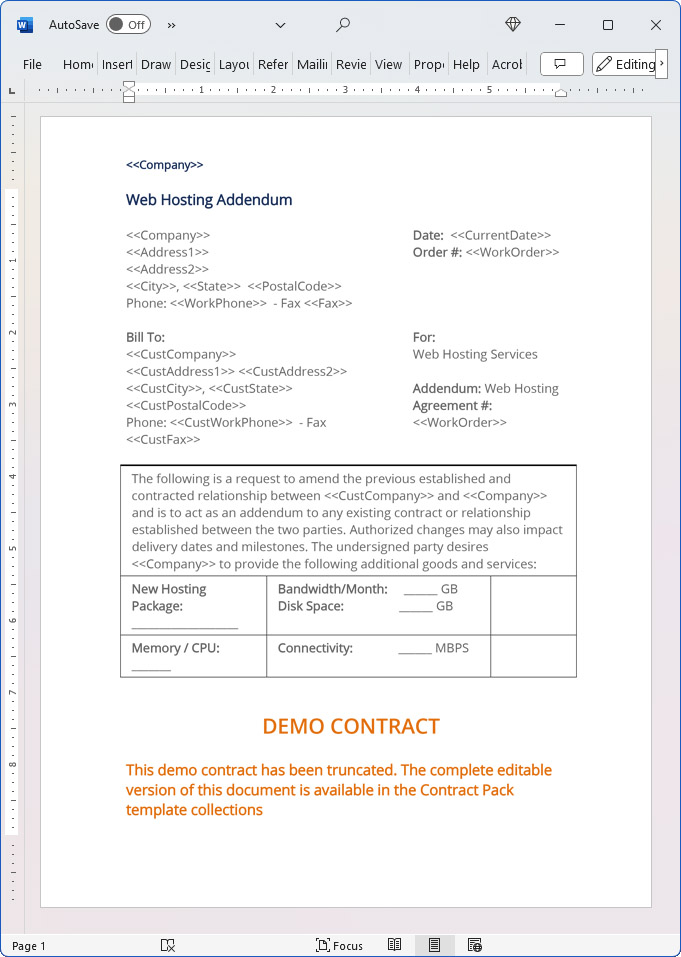
Web Hosting Addendum
Web Hosting Services
Addendum: Web Hosting Agreement #Work Order Number. The following is a request to amend the previous established and contracted relationship between Company Name and Company Name and is to act as an addendum to any existing contract or relationship established between the two parties. Authorized changes may also impact delivery dates and milestones.
The undersigned party desires Company Name to provide the following additional goods and services: New Hosting Package:
Bandwidth/Month: GB.
Disk Space: GB Memory / CPU Connectivity: MBPS Databases:
Domains: FTP Accounts. Email Accounts Total: Additional Notes: Bandwidth in excess of 500 GB/Monthly shall be billed at $1.00 per extra GB.
Entire Agreement
This Agreement contains the entire Agreement between the parties relating to the subject matter hereof and supersedes any and all prior agreements or understandings, written or oral, between the parties related to the subject matter hereof. No modification of this Agreement shall be valid unless made in writing and signed by both of the parties hereto.
Binding Effect
This Agreement shall be binding upon and inure to the benefit of Company Name and Company Name and their respective successors and assigns. PAYMENT TERMS: Net 30 days. 1.5% Interest monthly on accounts past due 30 days.
ACCEPTANCE OF AGREEMENT:
The above prices, specifications and conditions are hereby accepted. Company Name is authorized to upgrade the current Web Hosting Package for Company Name as outlined in this Agreement. Payment will be made as proposed above.
20% Off Discount
 Add To Cart This Word Template Only
 Add To Cart IT/Software/Hardware Contract Pack
 Add To Cart Proposal Kit Professional Bundle
 4.7 stars, based on 850 reviews
Alternate Documents
Related Documents
How to Build a Legal Contract with Proposal Kit
This video illustrates how to create a legal contract using the Proposal Pack Wizard software. It also shows how to create a proposal with an invoice and contract at the same time.
Frequently Asked Questions
How do I customize this contract to fit my business needs?
Customizing this contract involves editing the document to include your business details, terms, and conditions. The templates are designed to be flexible, allowing you to insert your company's name, address, and other relevant information. You can modify clauses to reflect your unique business practices and legal requirements.
Is this contract compliant with laws and regulations?
The legal contract templates are written by legal professionals and designed to comply with current laws and regulations at the time of their writing. However, laws can vary by jurisdiction and change over time, so it's recommended to have your contract reviewed by a local attorney to ensure it meets all legal requirements specific to your region and industry. Templates are licensed as self-help information and not as legal advice.
Can I use the same contract for different clients or projects?
You can use the same contract for different clients or projects. The templates are versatile and easily adapted for various scenarios. You will need to update specific details such as client names, project descriptions, and any unique terms for each new agreement to ensure that each contract accurately reflects the particulars of the individual client or project.
What should I do if I encounter a clause or term I don't understand?
If you encounter a clause or term in the contract that you need help understanding, you can refer to guidance notes explaining each section's purpose and use. For more complex or unclear terms, it's advisable to consult with a legal professional who can explain the clause and help you determine if any modifications are necessary to suit your specific needs.
How do I ensure that the contract is legally binding and enforceable?
To ensure that the contract is legally binding and enforceable, follow these steps:
- Complete all relevant sections: Make sure all blanks are filled in with accurate information.
- Include all necessary terms and conditions: Ensure that all essential elements, such as payment terms, deliverables, timelines, and responsibilities, are clearly defined.
- Signatures: Both parties must sign the contract, and it is often recommended that the contract be witnessed or notarized, depending on the legal requirements in your jurisdiction.
- Consult a legal professional: Before finalizing the contract, have it reviewed by an attorney to ensure it complies with applicable laws and protects your interests.
 Published by Proposal Kit, Inc.
Disclaimers
Proposal Kit, Inc. makes no warranty and accepts no responsibility for the suitability of any materials to the licensee's business. Proposal Kit, Inc. assumes no responsibility or liability for errors or inaccuracies. Licensee accepts all responsibility for the results obtained. The information included is not legal advice. Names in use cases have been fictionalized. Your use of the contract template and any purchased packages constitutes acceptance and understanding of these disclaimers and terms and conditions.
 Facebook
 YouTube
 Bluesky
 Search Site